Anyone can make an AI video. Only you have your people.
Today every store can generate the same content with the same tools. What no one can copy is the advisor your customers already know. Team on Camera puts your sales and service team on camera, for sales questions, service questions and your social feed: a script in seconds, a teleprompter on their phone, and an edit, captions and music done by the app.
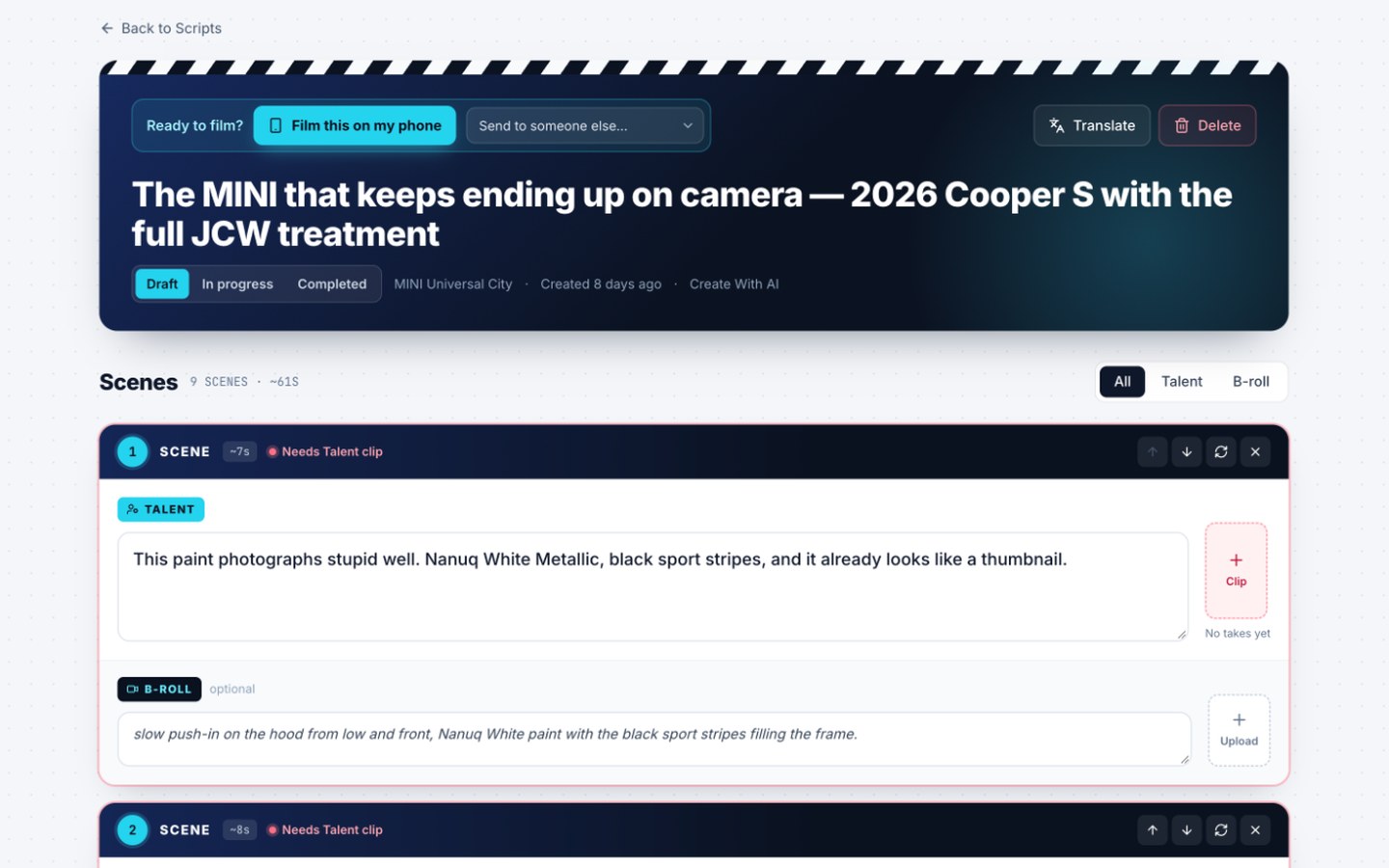
Written in the browser, filmed on the phone, by the people who work at your store.
When everyone can generate the same video, the real one stands out. 🙋
AI made content easy for every store at once. The same tools write the same scripts, read them in the same voices and post them to the same feeds. Shoppers scroll past it. They stop for a face they recognize from the showroom or the service drive. That face is the one thing about your store no tool can produce.
Content any store can generate
- A stock presenter nobody has met
- The same script your competitor posted
- A voice no one at the store has
- Cars that aren't on your lot
- Nobody to ask for when they call
Your people on cameraReal
- An advisor customers will meet when they visit
- Their name, their voice, their way of explaining
- Real cars from your inventory, filmed on your lot
- Service tips from the people who do the work
- Customers ask for them by name
- English and Spanish, the way your team really speaks
One advisor. Sales, service and your feed. 🎯
The same person a customer trusts on the sales floor can answer the service question and show up in their feed on Saturday. Every video is a chance to start the right conversation, and it always starts with someone they can come in and meet.
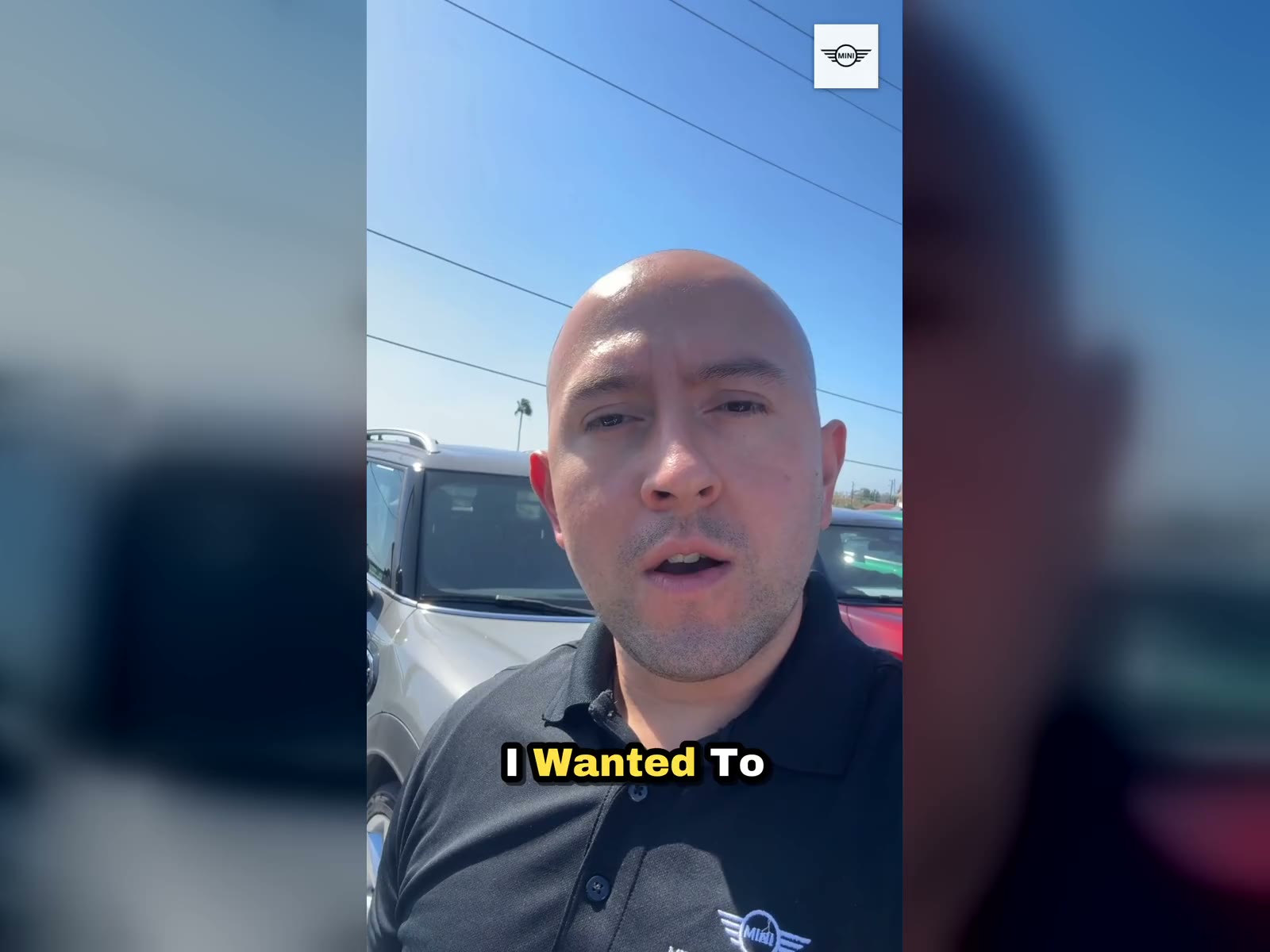
A MINI of Universal City advisor, on camera for one customer. 🎬
This is a real video an advisor at MINI of Universal City made for one customer, filmed on the lot with the car behind him. He read the script from the teleprompter on his phone; the app cut it, captioned it and sent it. It's shown here muted, with the captions the customer saw.
- ScriptWritten for this customer and this car.
- TeleprompterRead on his phone, on the lot.
- EditPauses cut, captions burned in, the store's logo at the end.
- SentDelivered as a personal video with his card, the car and a test-drive button.
Real video from MINI of Universal City, November 2026. The customer's name is left out.
Pick a car. Read the prompter. The app does the rest. 🎞️
Your advisor's only job is to be themselves on camera. The script, the scroll, the cuts, the captions, the music and the hand-off to your calendar are done for them.
- 1Pick a carAny unit in stock.
- 2ScriptA hook, then short scenes, each one a shot on a phone.
- 3TeleprompterScrolls with their voice, with a countdown and retakes.
- 4EditDead air cut, captions, music, photos of the car, your logo.
- 5CalendarA draft with a caption written for each channel.
Something worth filming, every week. 💡
From your lot
About two dozen short formats for any car in stock: walkarounds, first-time buyer tips, "did you know" features and more.
From your month
A monthly plan built from your specials, your service offers, the models your leads ask about and what shoppers search on Google.
From the news
Fresh angles for each model from what people are talking about online, when you want them.
From an idea to a video, without a film crew. ⚙️
- 01
Get the script
Pick it yourself, or your manager sends it to you, with a notification on your phone.
- 02
Film on your phone
Read the teleprompter, one take or scene by scene.
- 03
The app edits it
Cuts, captions, music and your logo, then an email when it's ready.
- 04
Publish when you're ready
It lands as a draft on your Social Calendar; your team schedules it.
Every script, ready to read out loud. 📝
Each script comes as a hook and a handful of short scenes, each one a shot you can film on a phone, written for the car or the service you picked. Translate it in one click, send it to the advisor who should film it, and it shows up on their phone with the teleprompter ready.
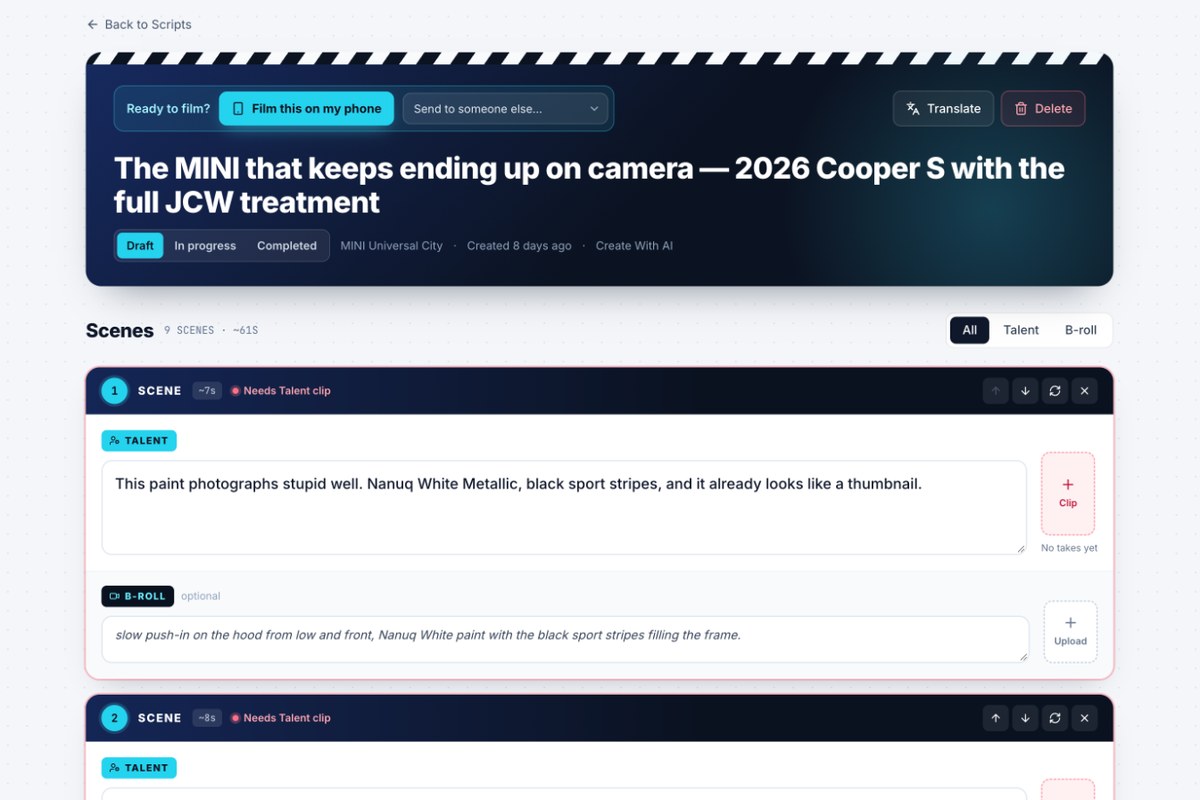
The finished video, back on their phone. 📱
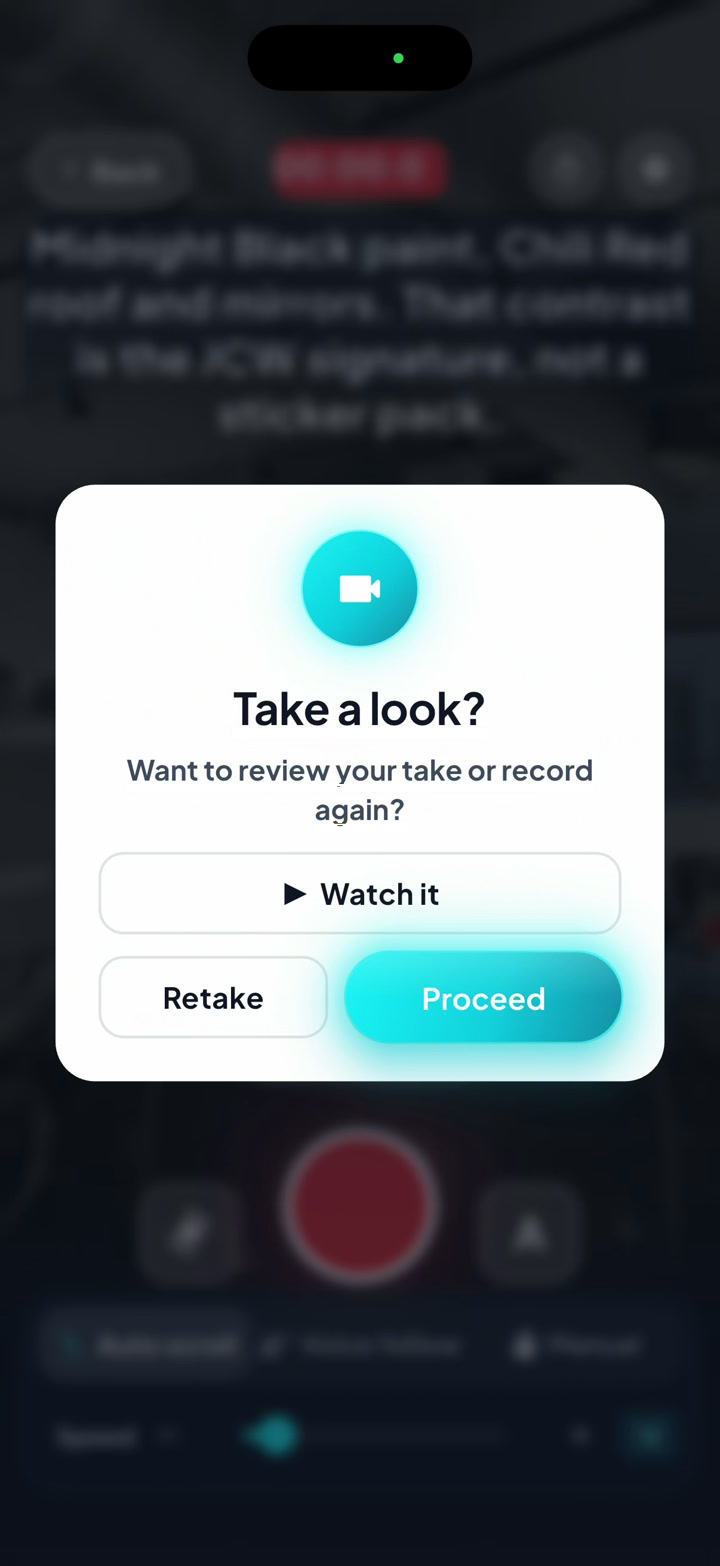
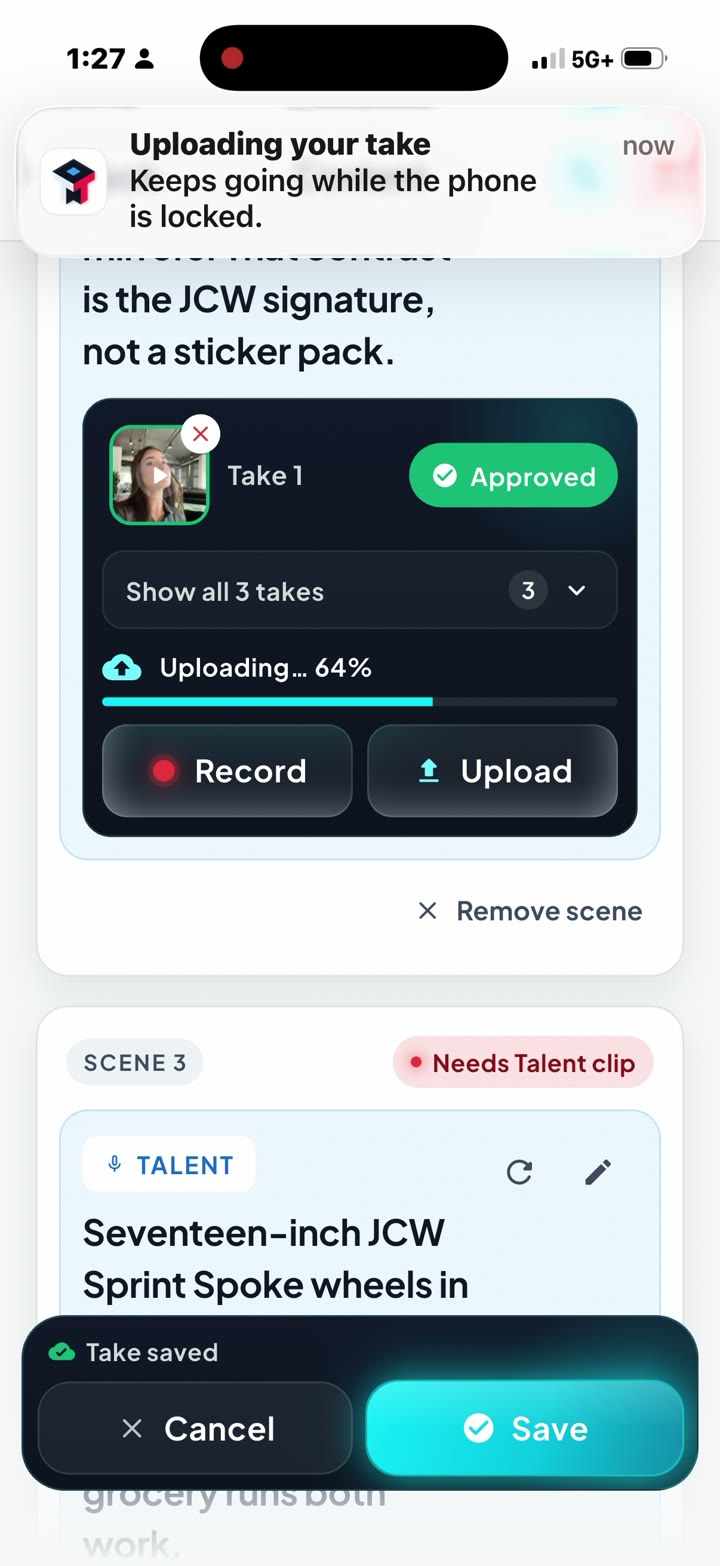
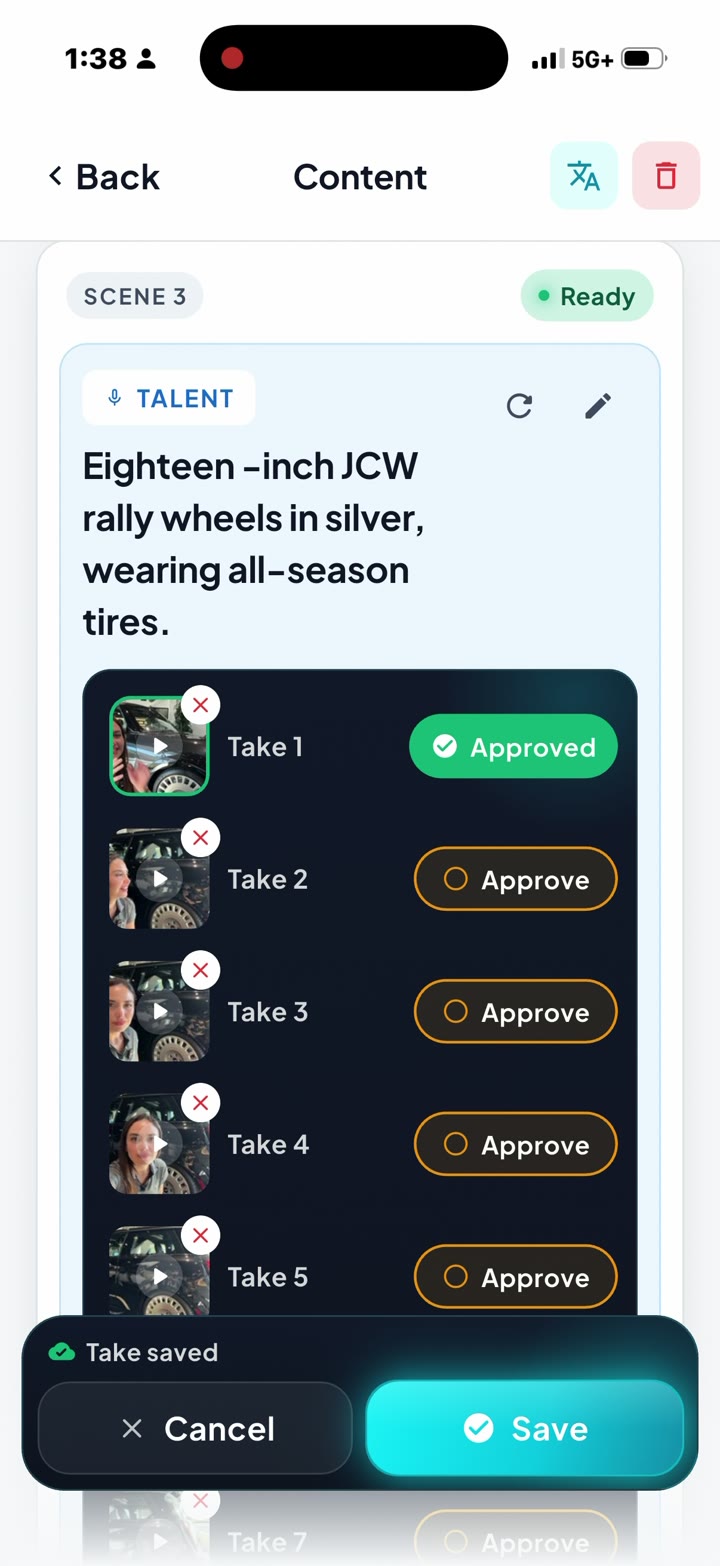
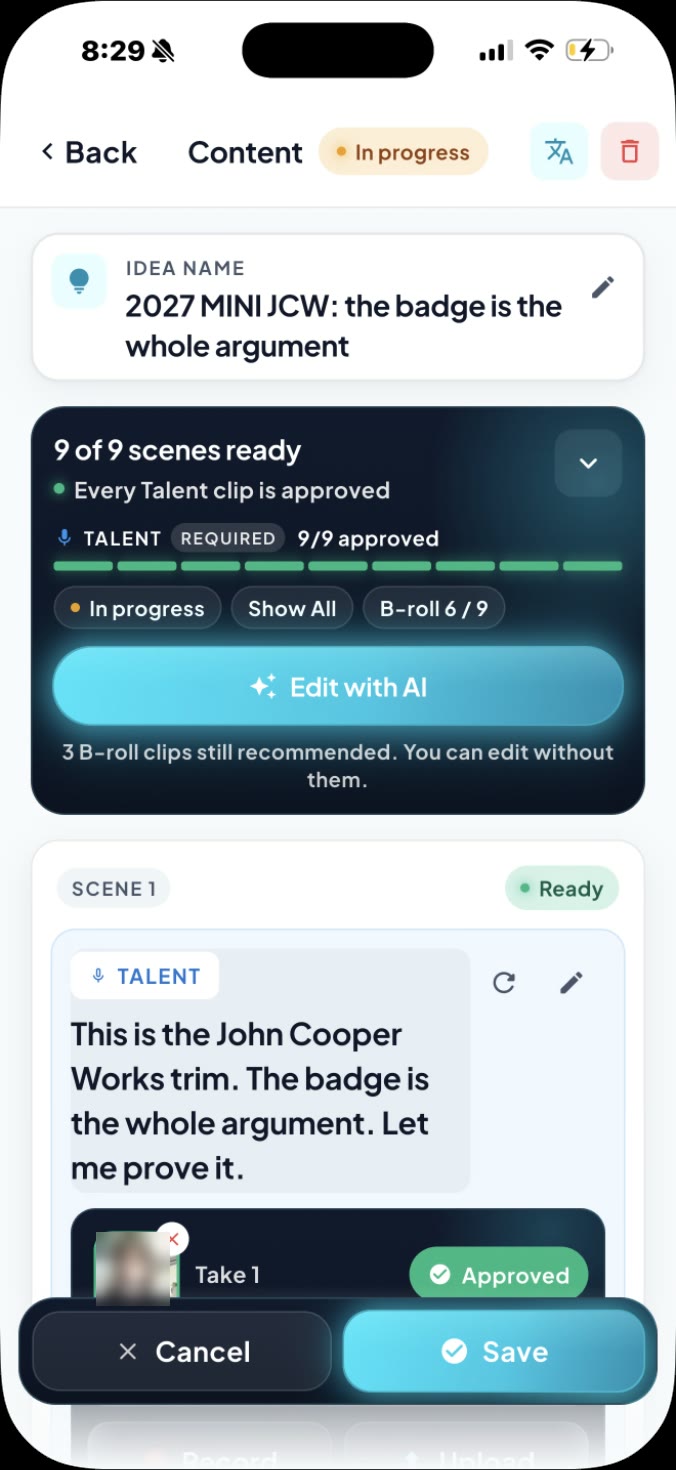
After every take, the app asks whether to watch it, retake it or keep going, and the upload carries on even with the phone locked. Every take is kept, so they approve the best one, and once every scene has an approved take, Edit with AI unlocks in the app. When the edit is done, the advisor finds the final video in the app, plays it, shares it or saves it to their phone, and can look back at every version. Fine-tuning happens in the web editor, and the final cut is always yours.
The app does the work. Your people are the face. ✅
What the platform does
- Writes scripts from your inventory, offers and searches
- Puts the teleprompter on your team's phones
- Cuts, captions and adds music and your logo
- Sends personal videos to customers and shows how they land
- Drafts each video on your Social Calendar
What your team decides
- Who goes on camera
- What they say, and how they say it
- Which videos go out, and when
- Which customers get a personal video
- The final cut